
- Multiple Claude Providers - Route through Anthropic, Bedrock, or Vertex AI
- Observability - Track costs, tokens, and latency for every agent interaction
- Reliability - Automatic fallbacks, retries, and caching
- Governance - Budget limits, usage tracking, and team access controls
Claude Agent SDK Documentation
Learn more about Claude Agent SDK’s core concepts and features
Quick Start
1
Install the SDK
2
Add Provider in Portkey
Go to Model Catalog → Add Provider.Select Anthropic, Bedrock, or Vertex AI as your provider and configure your credentials.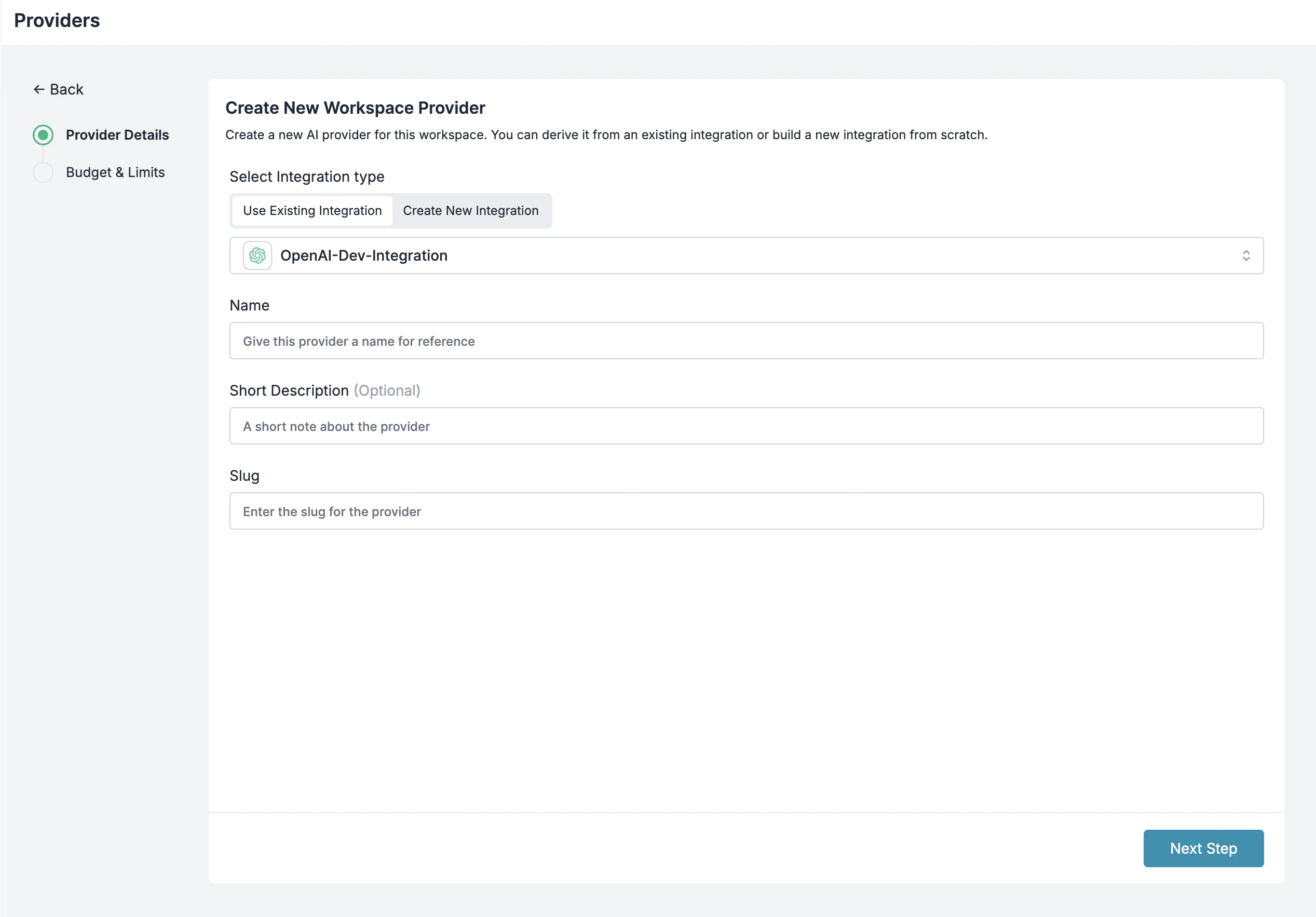
3
Get Portkey API Key
Go to API Keys and generate your Portkey API key.
4
Configure Environment Variables
Set the following environment variables before running your agent:Replace
@anthropic-prod with your provider slug from the Model Catalog.There are multiple ways to configure models, you can use the provider header, attach config directly to the API key, specify config header, etc.
Basic Usage
Simple Query
Using ClaudeAgentOptions
Interactive Client with Tools
Adding Observability
Trace IDs for Request Tracking
Add trace IDs to group related requests in Portkey’s dashboard:Custom Metadata
Add metadata for filtering and analytics:Using Portkey Configs
For advanced routing, fallbacks, and caching, create a Portkey Config and reference it:Example: Fallback Configuration
Create a config in the Portkey Dashboard with fallback logic:Switch Providers
Change providers by updating thex-portkey-provider header:
Replace with your actual provider slugs from the Model Catalog.